Cadence · Stage 7

The Numbers You Open the Doors With

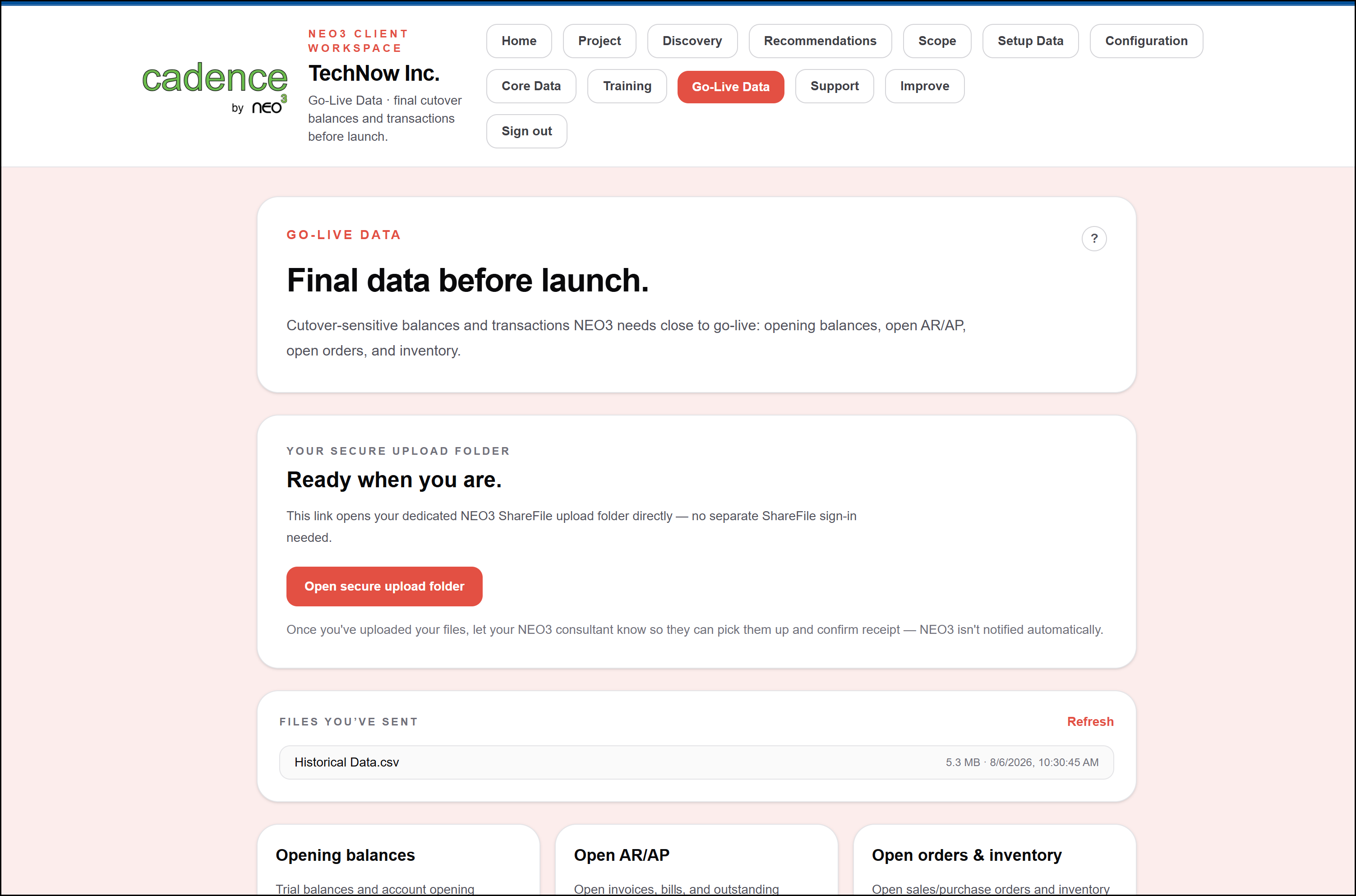
Opening balances, open orders and invoices, inventory on hand — loaded and reconciled before day one.

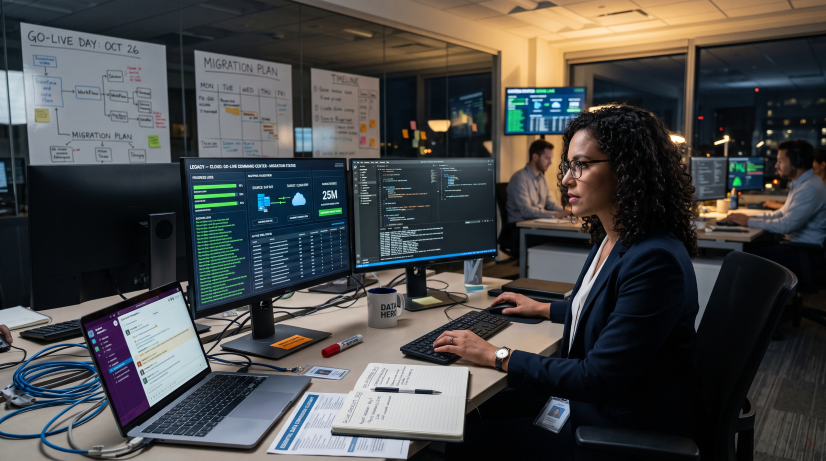
A consultant and client working side by side at a workstation during ERP cutover

Why It Matters

Reconciled Before You Open, Not After

Reconciled, Not Just Loaded

Balances are tied back to your source system and signed off before go-live, rather than discovered to be wrong during your first close.

A Planned Cutover

The point at which your old system stops and the new one starts is scheduled, rehearsed, and agreed — not improvised over a weekend.

Open Transactions Carried Over

Open sales orders, purchase orders, and unpaid invoices move with you, so operations continue on day one instead of restarting.

Inventory That Matches the Floor

On-hand quantities are captured and verified at cutover, so what the system says is what your team finds on the shelf.

Included in the Subscription

Data conversion is part of your Cadence subscription, not a change order raised when the data turns out messier than expected.

How the Go-Live Data Stage Runs

Step 1

Plan the Cutover

We agree the cutover date, the freeze point in your current system, and exactly which balances and open transactions move across.
Step 2

Trial Load and Rehearsal

Balances and open transactions are loaded into a rehearsal environment first, so the real cutover is a repeat of something that already worked.
Step 3

Load the Live Data

At the agreed freeze point, opening balances, open orders, unpaid invoices, and on-hand inventory are loaded into your live system.
Step 4

Reconcile and Sign Off

Trial balance, subledgers, and inventory are tied back to the source system. Your finance team signs off before anyone starts transacting.
400+
Real Implementations Behind Every Go-Live
2x
More Consultant Time For Support, Not Repetitive Tickets
90 Days
Target Go-Live For Qualified Projects